Personal guest direction for events
The party starts
long before the party
Every guest gets a personal link and follows the whole way to the night itself — no account, no app to download.
No login, no account. Building is free — creating the event for real costs 995 kr.
This is the guest's own link. No login and nothing to install — it sits among their apps on the home screen until the day itself.
How do you want your party?
Pick one and the rest is set up for you. Everything can be changed afterwards.
The run-up
Secrets, games and clues week by week. For milestone birthdays.
The wedding
Countdown, practical information, speeches and a guest book. No competition.
The info channel
Everything practical on the guest's own link. Calm and plain.
The photo wall
On the big screen in the room. The simplest form.
Party tonight?No setup · 30 seconds
Three games that start in thirty seconds. No account, no planning — one phone on the table.
The pre-party
Questions nobody dares to ask, dares nobody can refuse, and toasts out of nowhere.
One phone · 2–12 people
The Traitors
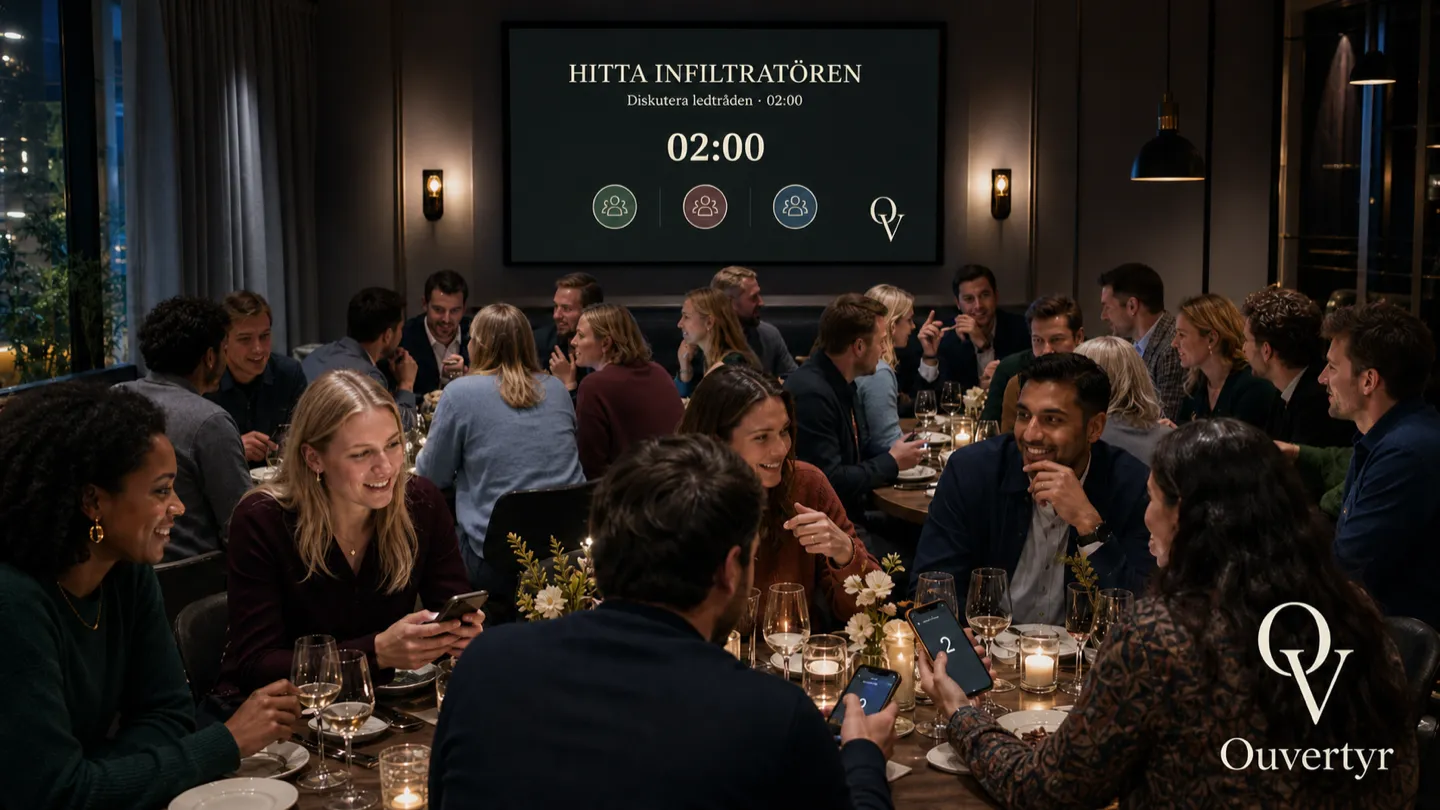
Two of you are lying. Everyone else is guessing. Vote someone out before the traitors win.
A phone each · 6–30 people · room code, no setup
The Party Casino
Stake chips on your friends' choices, duels and dares. The phone deals — the losers pay.
One phone · 3–12 people · 10–25 min
How it works
You build the event yourself. We make sure you get started, and we are there if something goes wrong.
You set the event up
Step by step: what you are celebrating, how the event should feel, what the guests should know and when, how the evening should run. The guide suggests most of it.
Guests get their own link
A personal address per guest — no login, no password, nothing to install. They can put the event on their home screen and keep it among their apps until the day.
You direct the evening
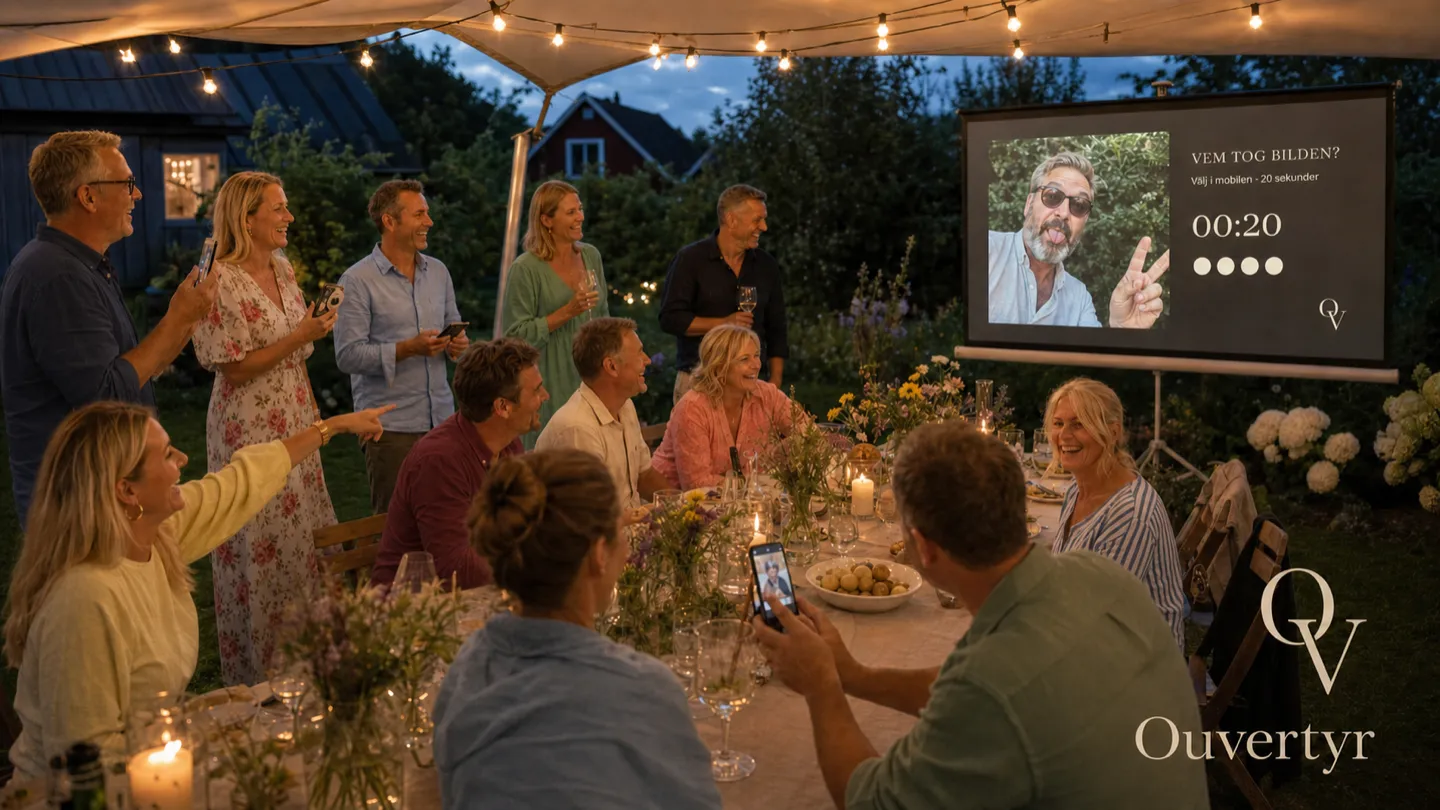
The photos and the programme go up on the big screen in the room. You control it all from your own phone — what the screen shows, when the next item starts, which photos are allowed through.

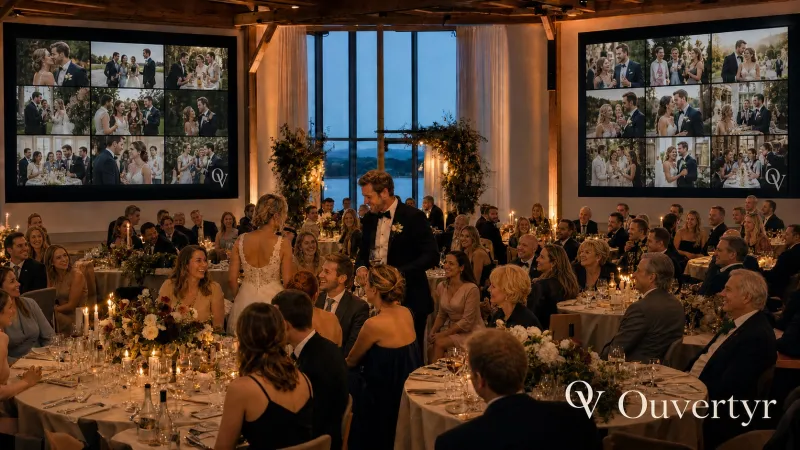
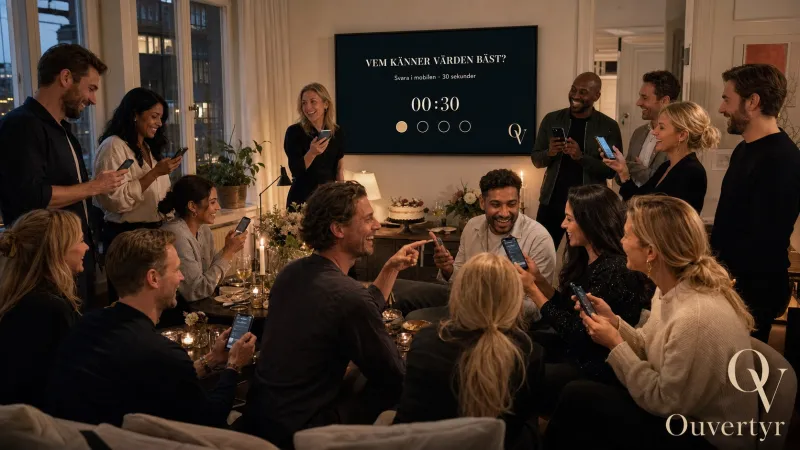
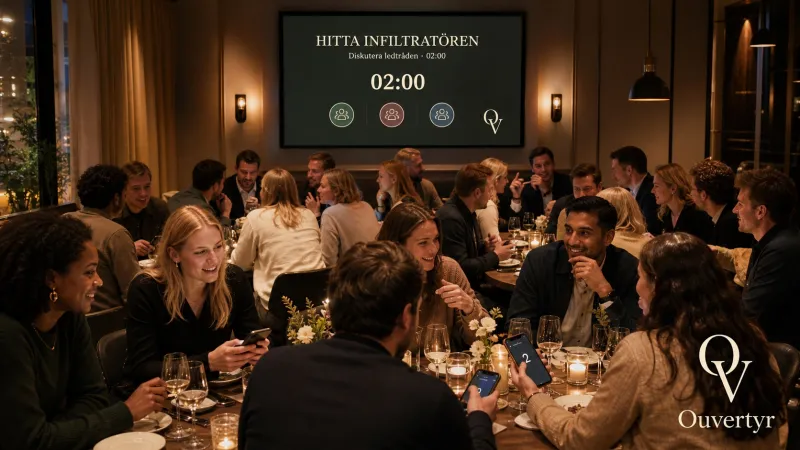
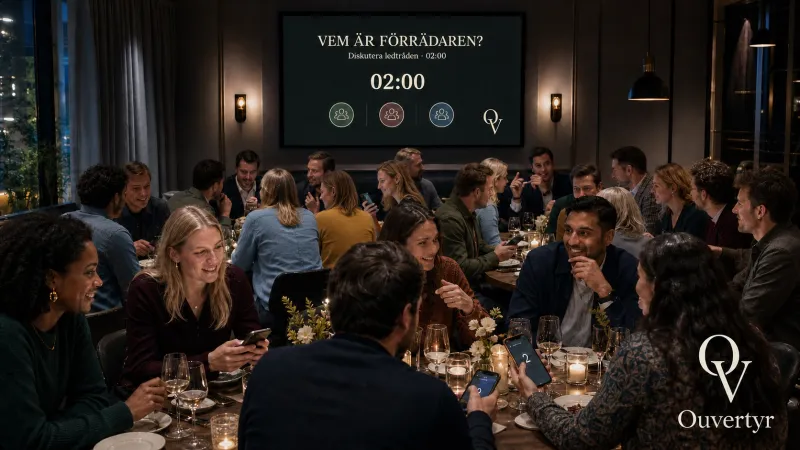
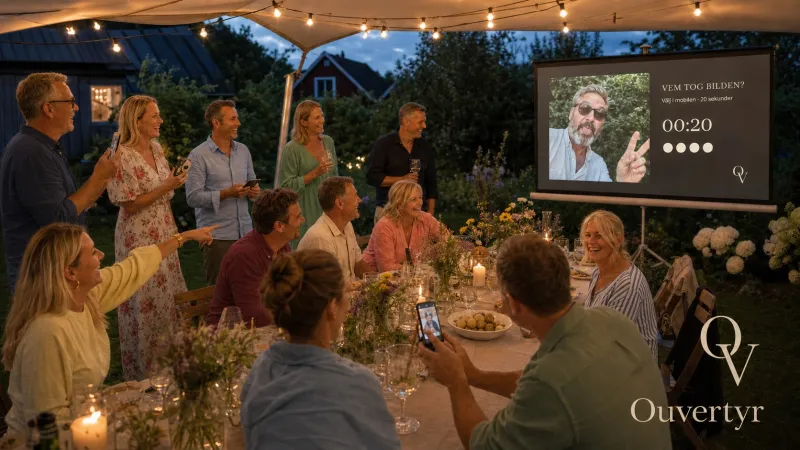
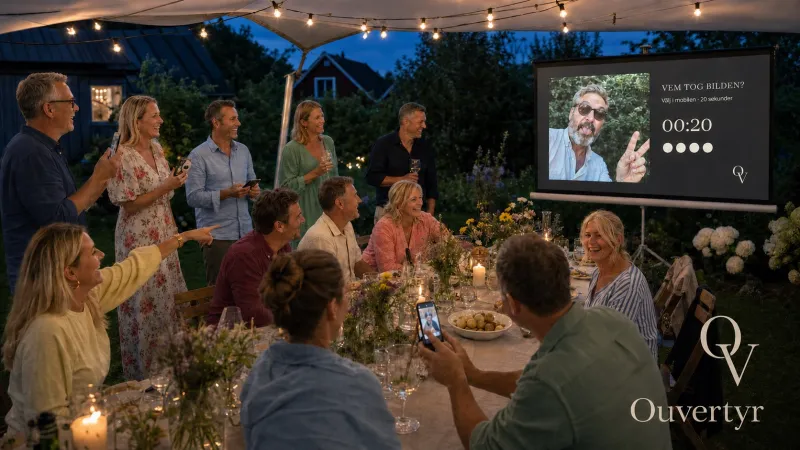
An example of the shared photo wall. During a real event, the guests' own photos fill the screen and you release them from your phone.
From the invitation to the night
Most invitations are a message that is forgotten the same day. Ouvertyr turns the wait into part of the event: information arrives when it can be used, not all at once.
- The weeks before
- Practical things when they matter. Travel and accommodation in good time, the dress code while there is still time to shop, the seating just before.
- A surprise stays a surprise. The guest of honour is on the guest list but sees nothing until the event begins.
- The night itself
- The big screen carries the room. Guests' photos go up while the event runs. If the venue loses its connection the screen carries on with what it already has.
- The room answers. Votes, requests to speak, greetings — nothing reaches the screen until you let it through.
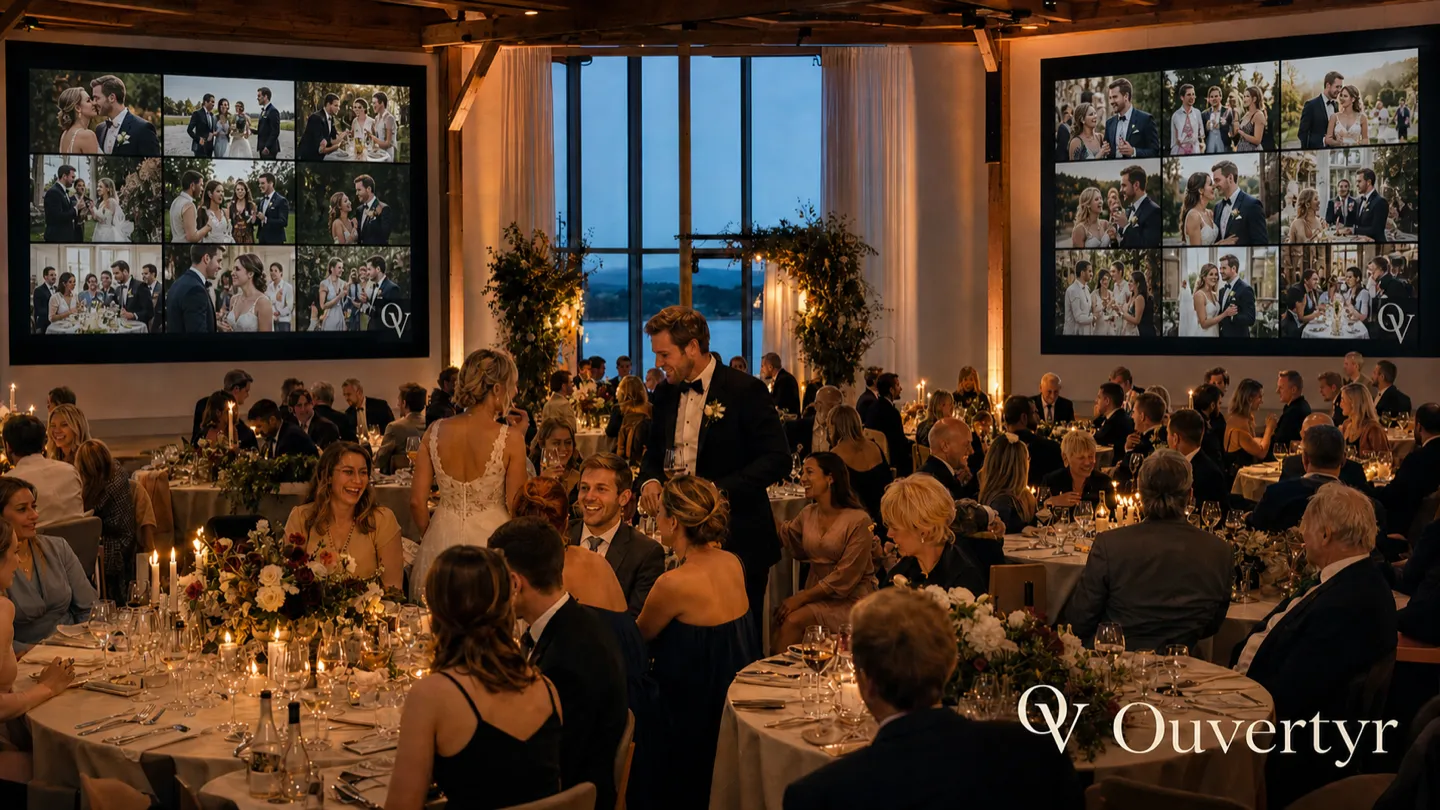
The same direction at the kick-off
A company event is the same shape as a party, with more names and more musts. Every participant gets their own link, the programme is run from one phone, and the evening's photos gather on the screen.
Kick-off and conference
Schedule, rooms and practical details on each participant's own link — updated when something changes, without a new mass email.
Anniversaries and Christmas parties
Quiz, votes and the photo wall for the evening. The same event can be reused next year with new content.
Your colours
The event carries your own palette and typeface instead of ours — the whole design is a theme, not a template.
The details stay yours
Participant lists and dietary needs are deleted automatically afterwards. No tracking, no third parties.
About your guests' details
A guest list is names, phone numbers and sometimes allergies. Those details deserve to be handled properly, even for a party.
- No tracking scripts and no third-party requests — the fonts are hosted by us, not by Google.
- Allergies and dietary needs are encrypted and reach only you.
- The details are deleted automatically afterwards — dietary details the day after the event, the photos after a month, the event itself after three.
Try first, decide later
You see your own invitation before you decide anything. It costs nothing until the event is created for real — that is when you fill in the guests and get their personal links.
Would you rather talk first? Write to us.
Did you get an invitation?
This page has no entrance for guests. Open the link you were given by your host — it is personal and takes you straight to your event. If you cannot find it, ask whoever invited you to send it again.
Ouvertyr is a service from
Maxmach AB,
company no. 556808-5939
No cookies, no tracking ·
Privacy ·
Deployment